Download report
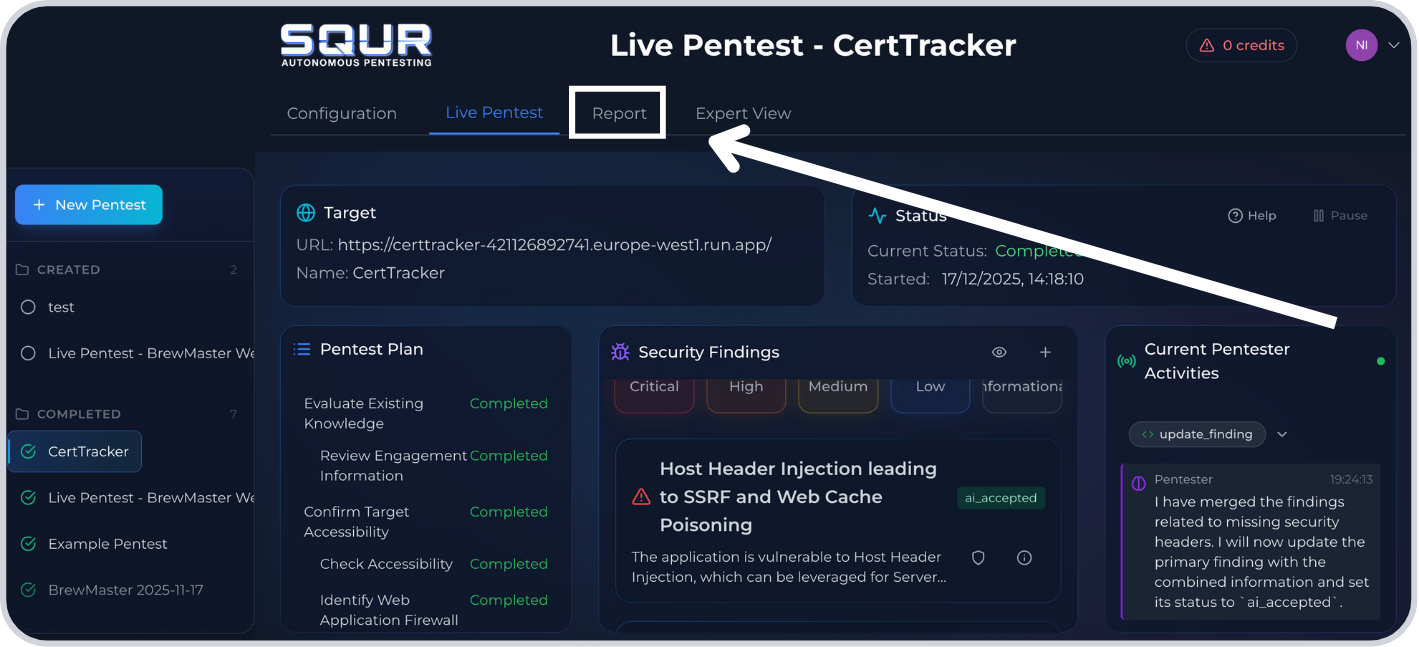
Step 1: Open Reports in the engagement
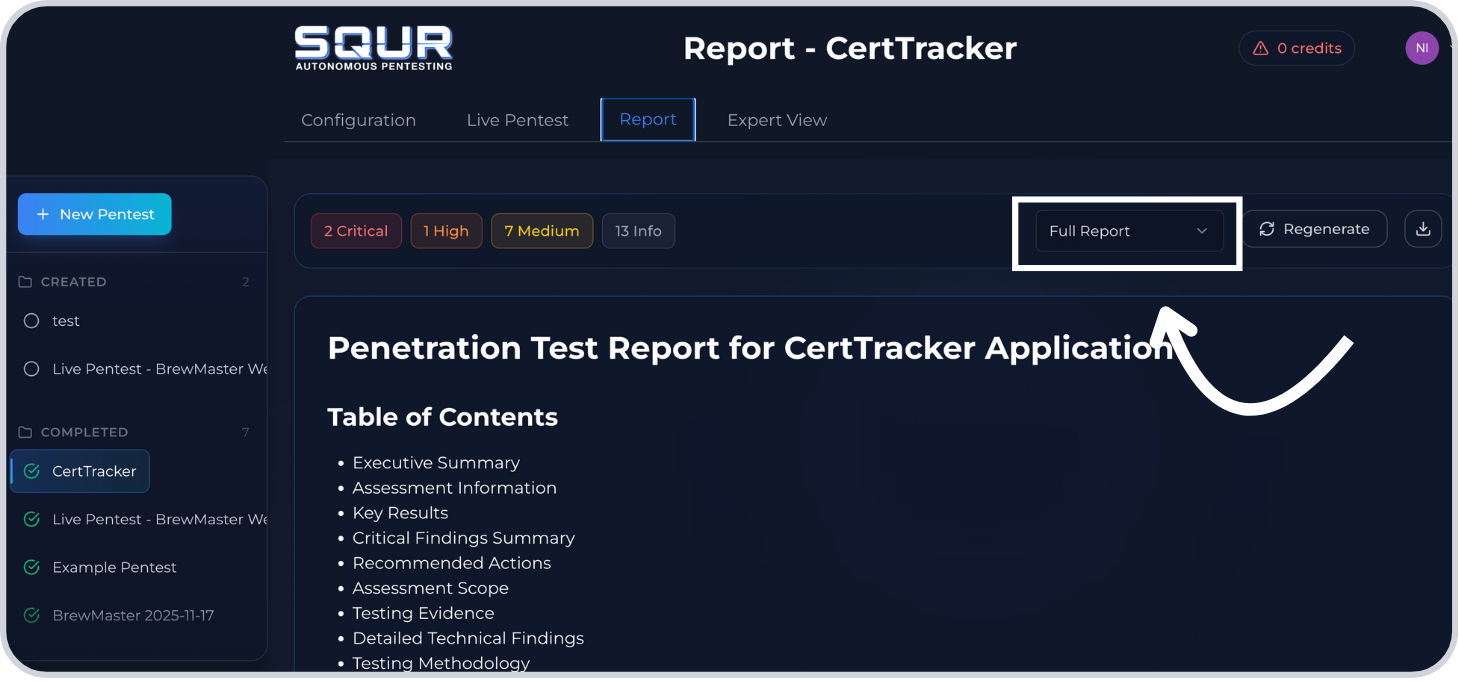
Step 2: Click the Report type dropdown
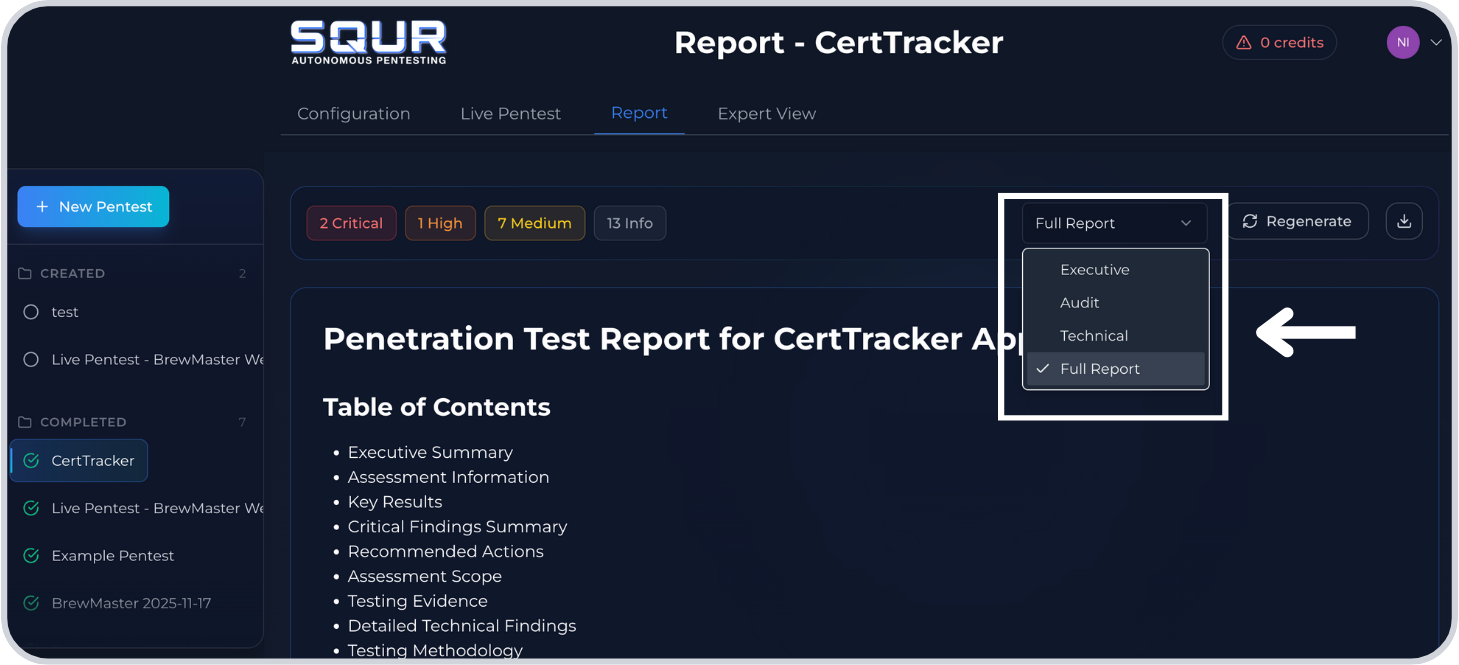
Step 3: Select the report type
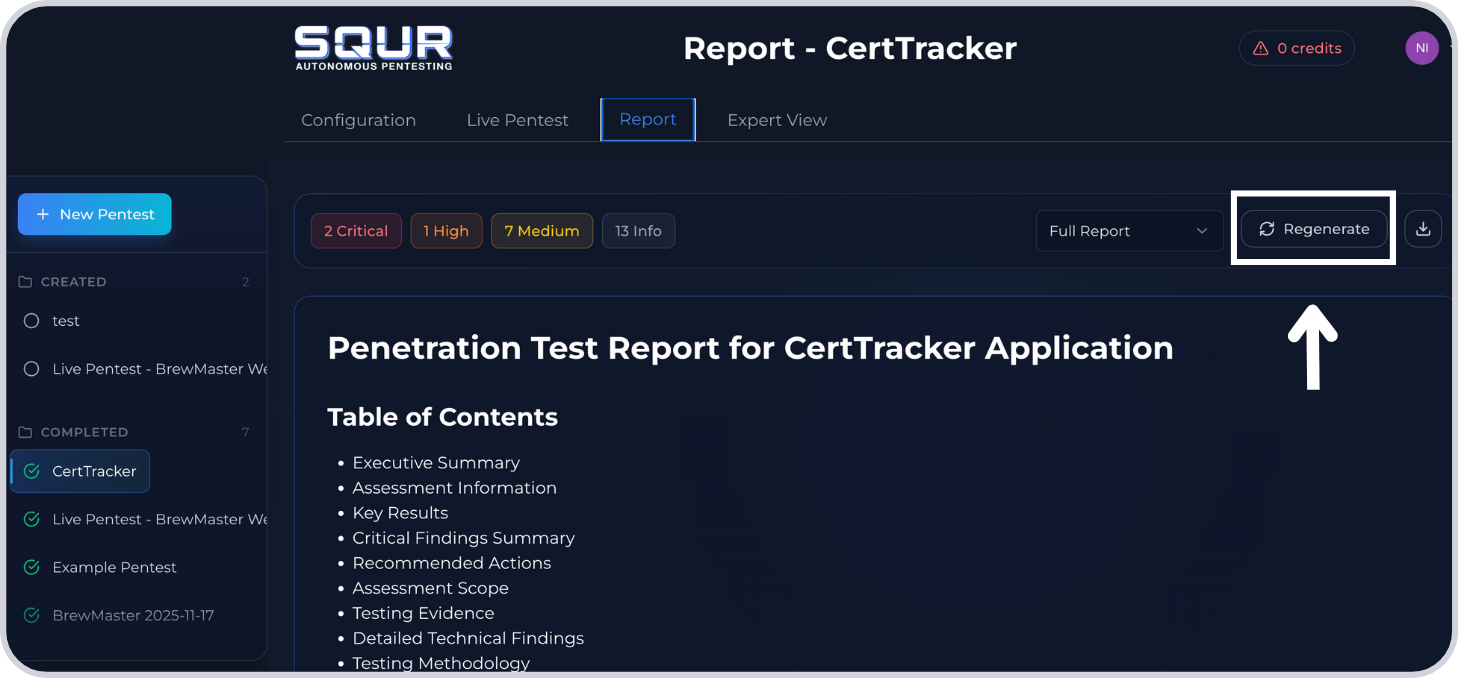
Step 4: Click Generate (it may say Regenerate)
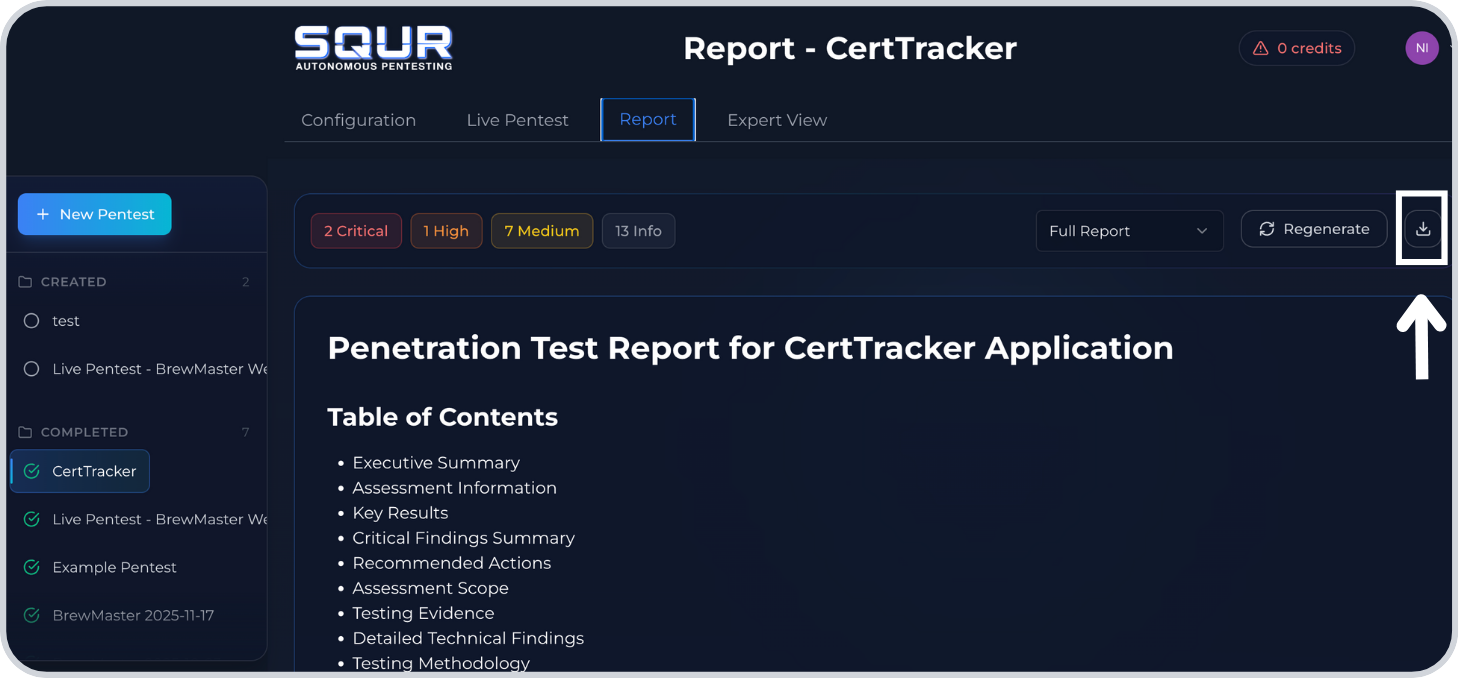
Step 5: Click Download
Success checklist
- Report generates without errors.
- PDF downloads with the expected level.