Read the results
A finished scan gives you a map and a ranked list. Read it in this order.
1. The summary
The top of the page shows an overall grade for the domain's visible exposure and a count of assets and observations. The grade reflects external visibility only. A clean grade does not mean the application is secure, because the scan never tests behavior behind the front door.
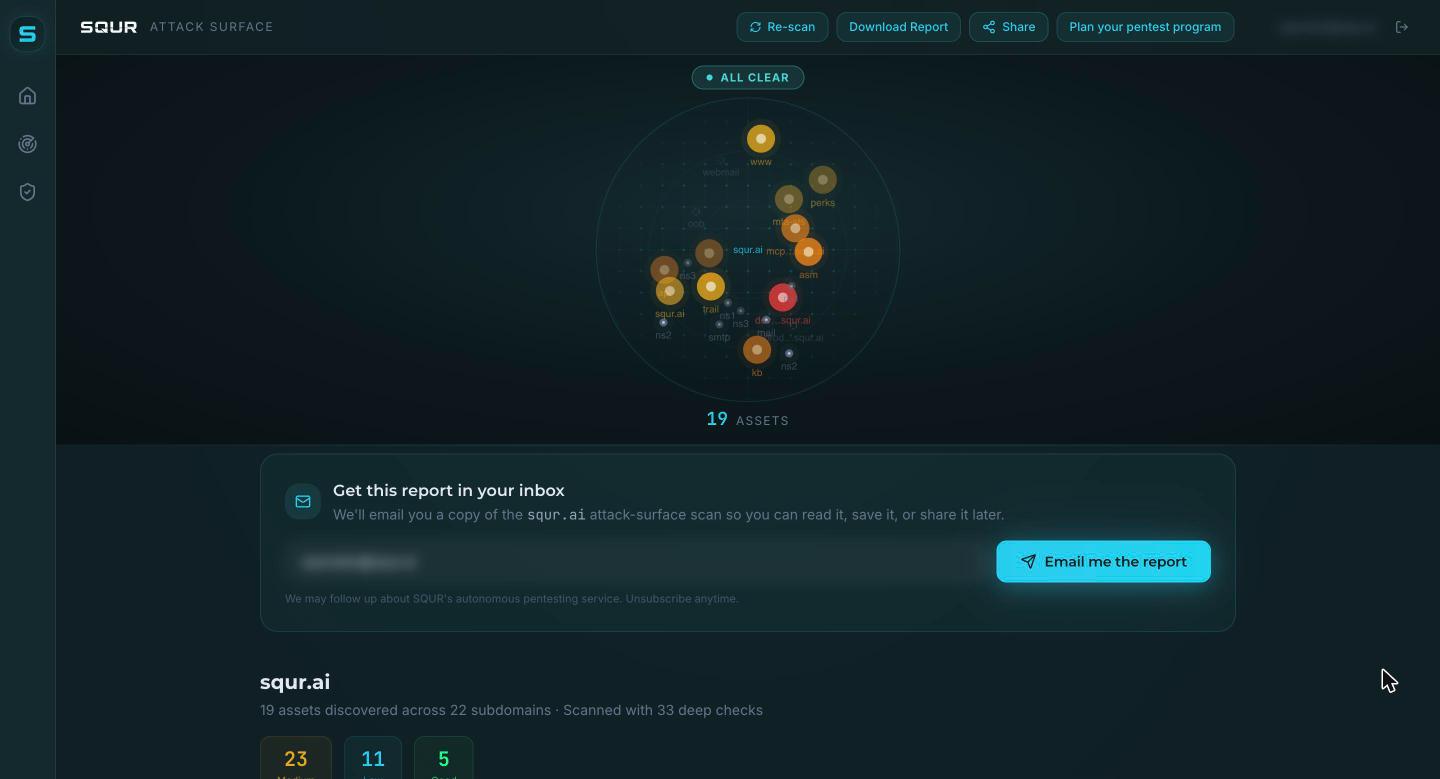
2. The radar map
Each dot is a host. Hosts are grouped around the root domain. Click a host to open its panel with its technology, status and observations.
Asset states you will see:
| State | Meaning |
|---|---|
| Active at last scan | The host answered. |
| Newly discovered | First seen on this scan. |
| Did not answer | Known host, no response this time. |
| Gone since an earlier scan | Seen before, not now. |
| Infrastructure, not probed | DNS and mail hosts, shown but not scanned. |
3. Top priorities and the recommended target
SQUR picks the host most worth testing first, based on its role (for example admin, api, staging), the severity of what was observed and its technology. Infrastructure is ranked down. A host behind a protective service is flagged, with an explanation of what a passive scan can and cannot see there.
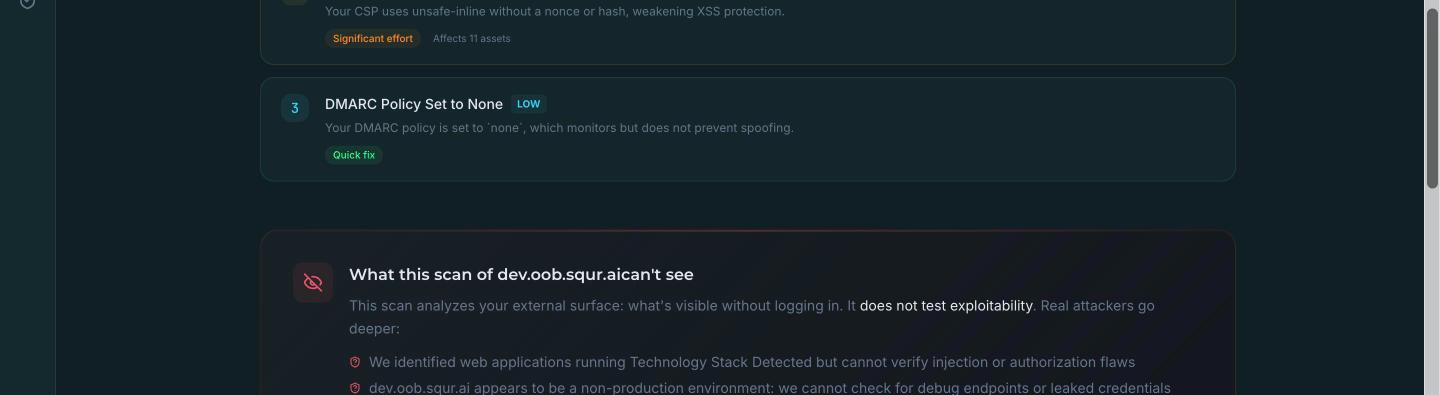
4. Observations by category
Observations are grouped, for example TLS, security headers, open ports, email authentication, exposed files, login panels and software versions. Each has a severity and, where relevant, the evidence the scan read.
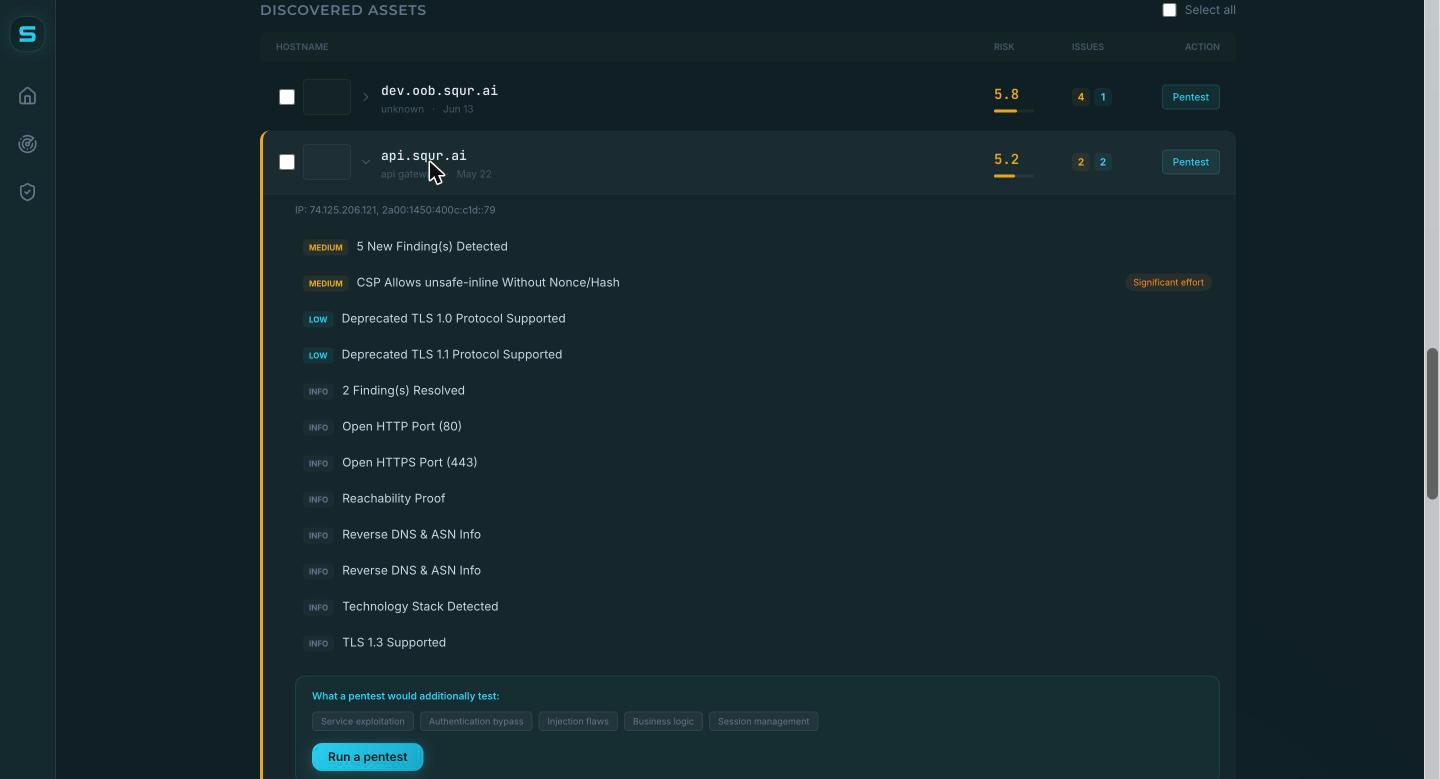
Observations are indicators, not proven findings
A missing header or an old software version is an indicator. The scan cannot tell whether it can be abused. Inside a pentest setup these appear as Unverified exposures, separate from proven findings.
Known-exploited vulnerabilities (CISA KEV) and exploit-likelihood scores (EPSS) are shown on matching software-version indicators when available.
5. Share and export
From a scan you can:
- copy a share link,
- email yourself the report,
- embed a badge on your site, README or status page.
6. Decide what to do next
- Fix configuration items yourself (headers, TLS, DNS records, exposed files).
- For hosts that run real application logic, send the host to a pentest.