Organization management
Create organization
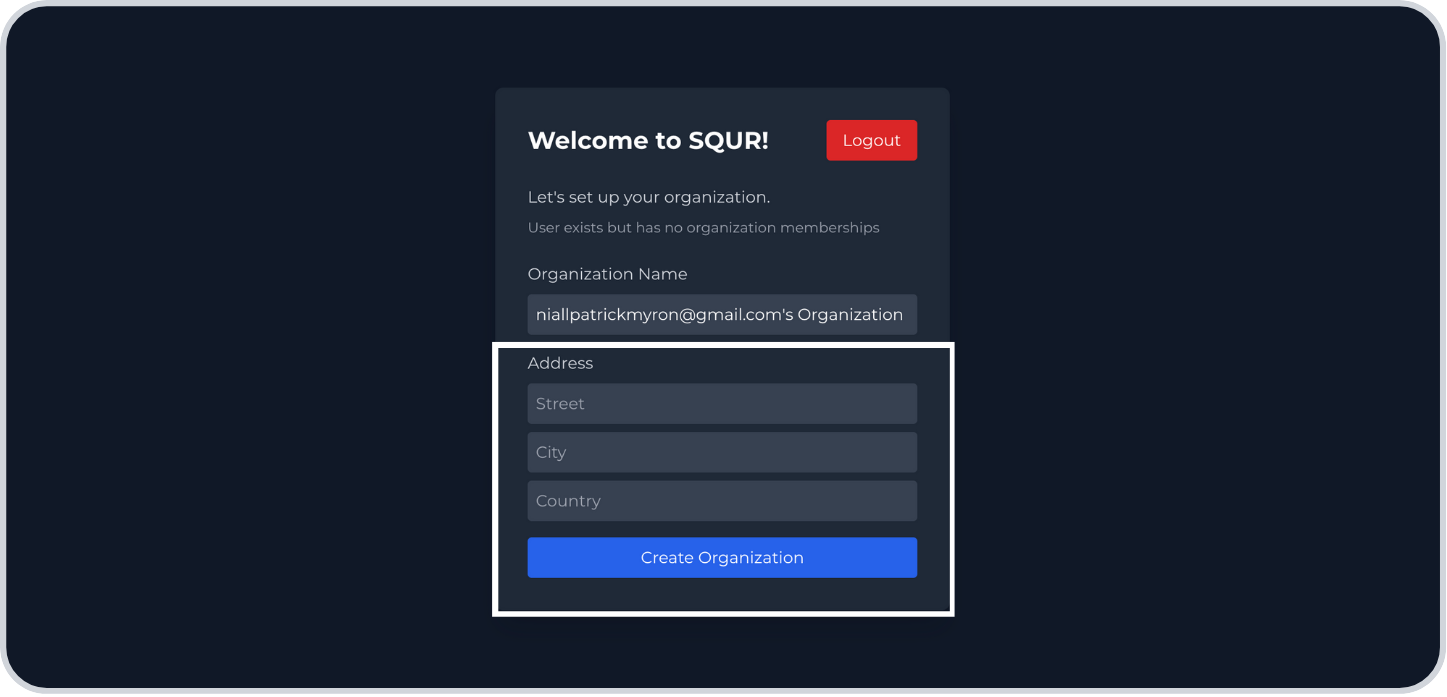
Step 1: After signing up, add your address and click Create organisation
Add members
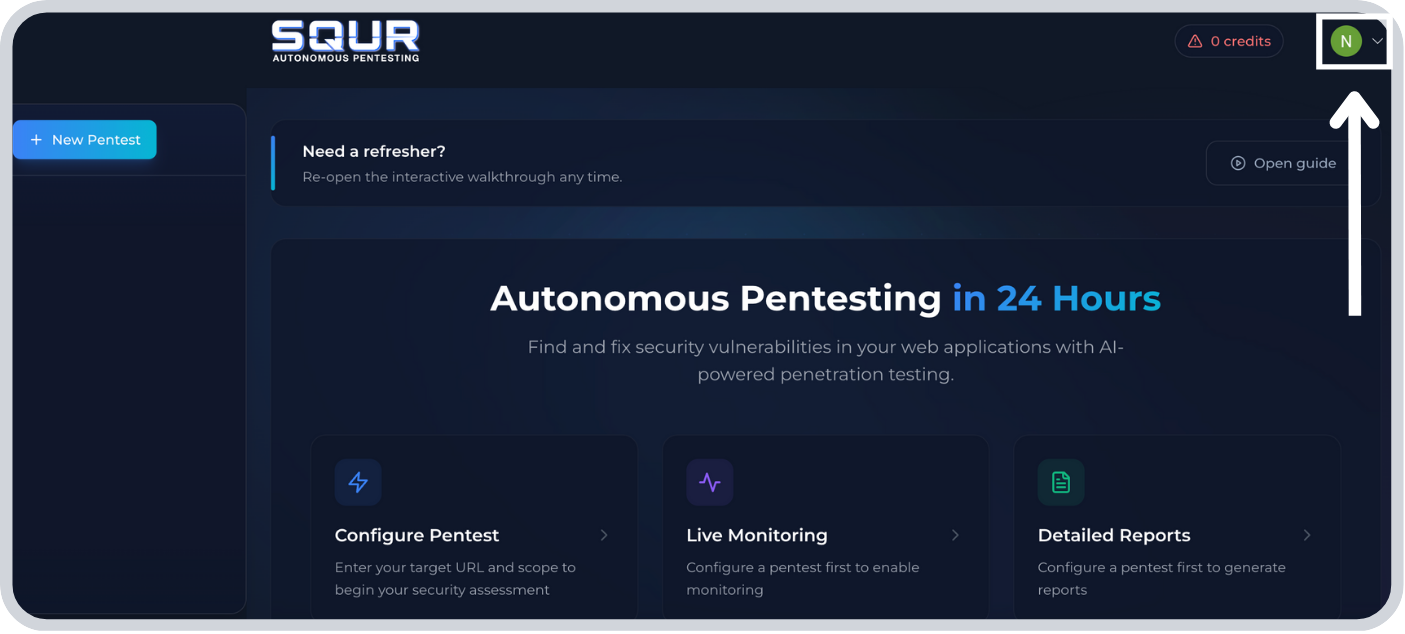
Step 1: Click the Account dropdown in the top right
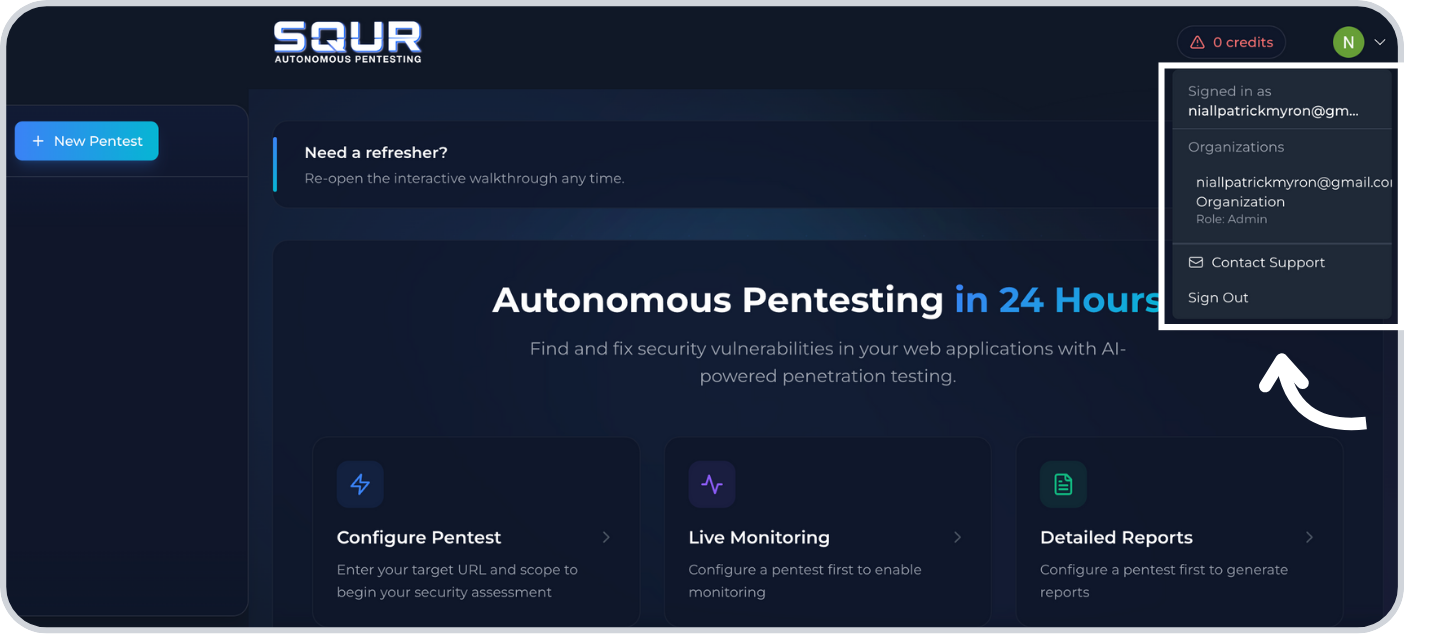
Step 2: Click your organization
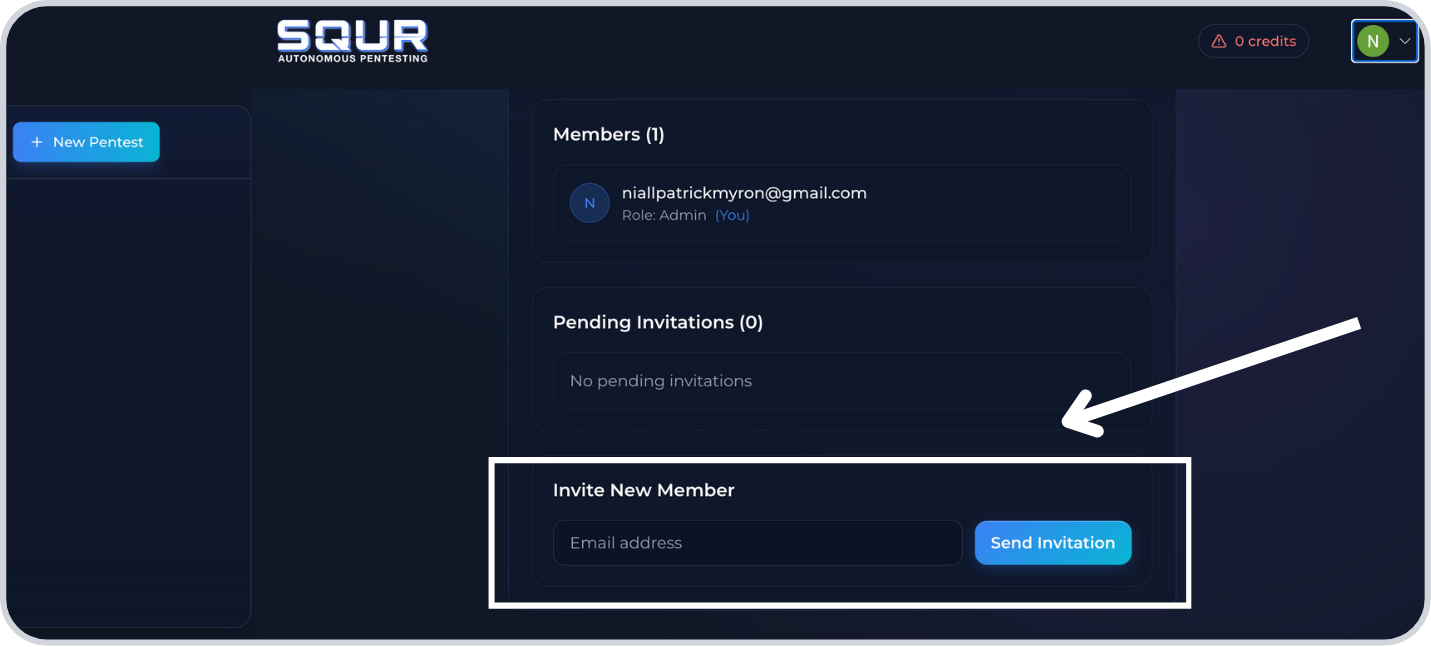
Step 3: Scroll to the bottom, add the member's email, and click Send invitation
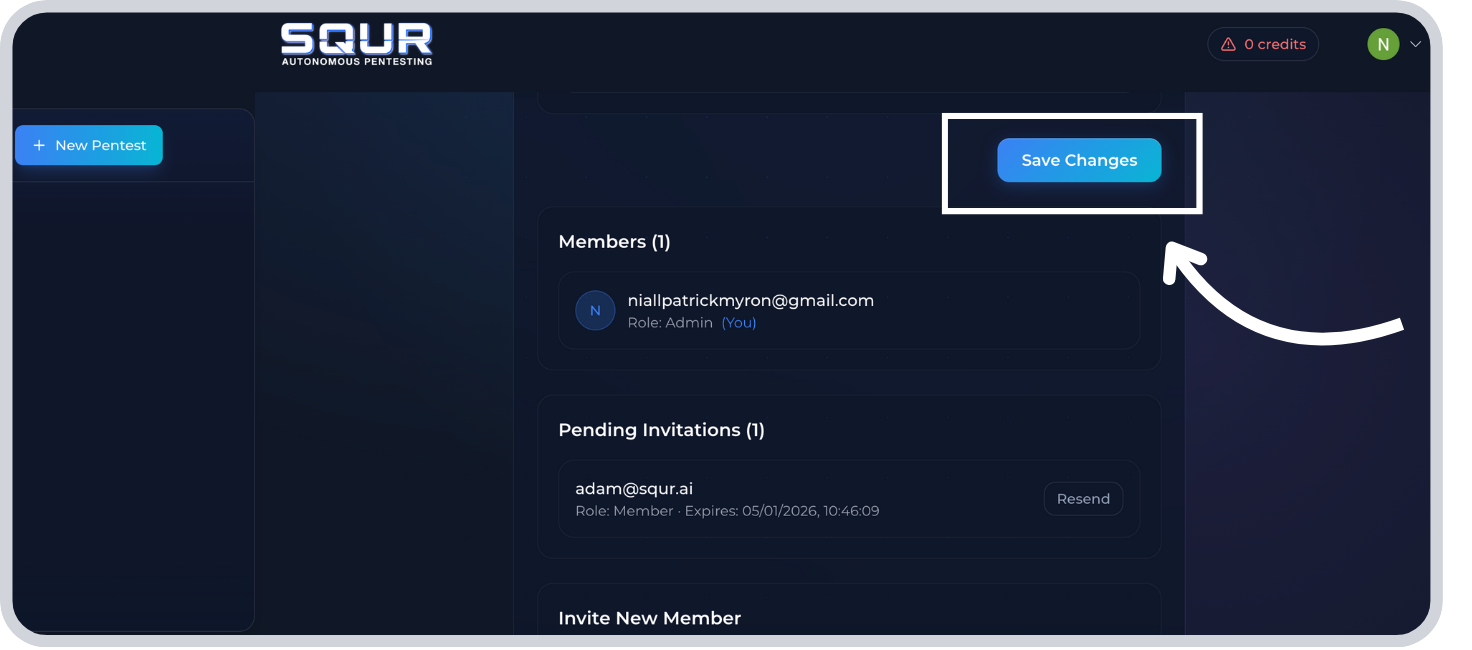
Step 4: Click Save