Pentest lifecycle
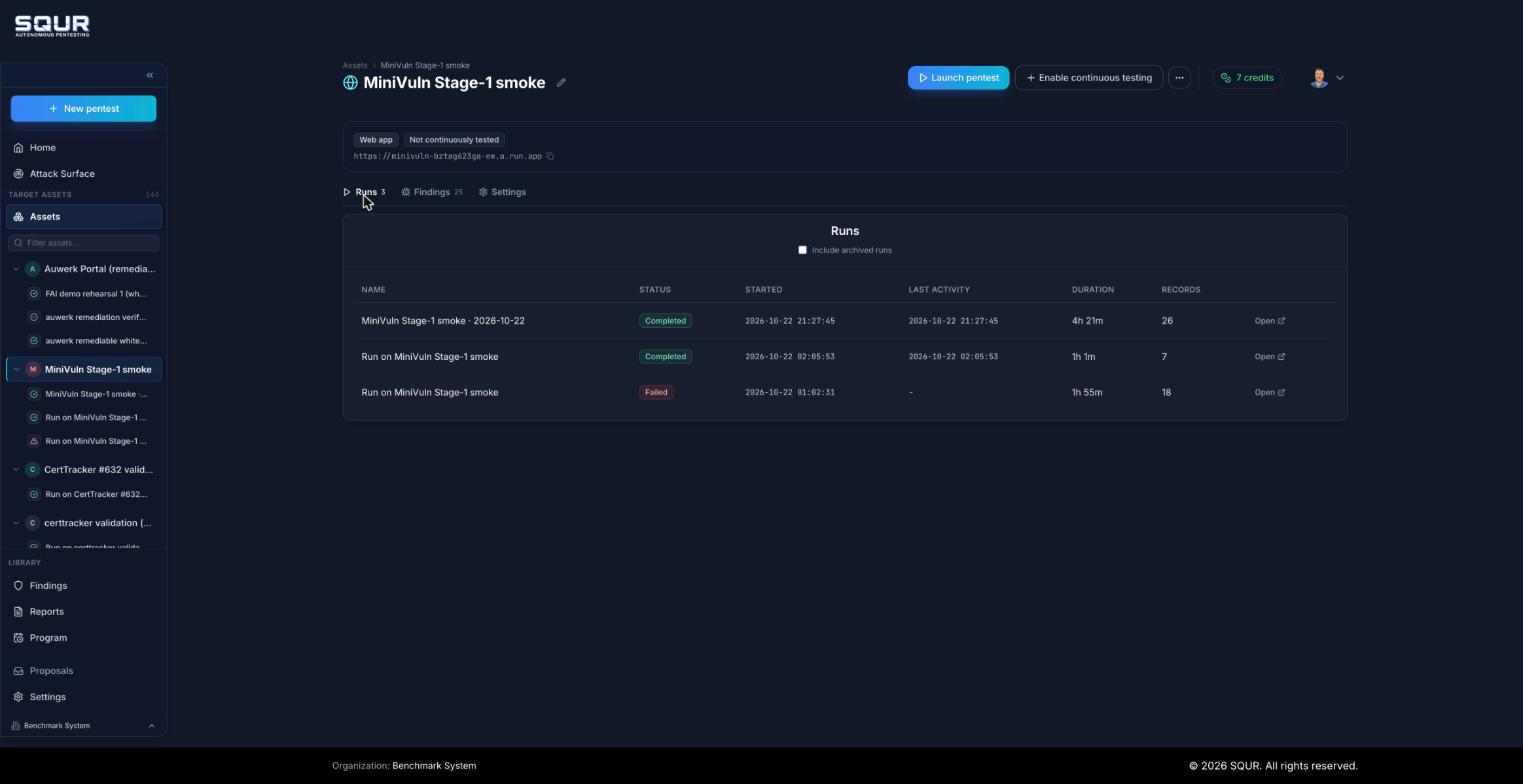
Each pentest is a run on an app (an asset). An app can have many runs over time, which is how SQUR shows what changed between pentests.
Run status
| Status | Meaning |
|---|---|
| Created | The run exists and has not started yet. |
| Started | The pentest is running within your scope. |
| Paused | Halted by you. Resume to continue. Some in-flight results can be lost across a pause, which can change the discovery path. |
| Human needed | SQUR needs input from you to continue, for example a missing credential or a scope clarification. |
| Completed | Finished. Findings and the report are available. |
| Failed, Aborted | The run stopped before finishing. |
Phases of a run
- Setup: SQUR provisions isolated test infrastructure.
- Re-test (continuous pentests only): findings still open from the previous pentest are checked first, before anything new is searched.
- Planning: a plan is built from your target, scope and notes.
- Pentesting: reconnaissance, attack and verification. A normal pentest takes about 24 hours. Small targets can finish sooner, large APIs can take longer.
- Review: you get a "pentest complete" email. Review findings and download your report.
After the run, you can re-test individual findings on demand once you have fixed them.
The status and phase are shown on the run page and next to each run in the sidebar.
One time or continuous
- Run once: one full pentest, with a free re-test after you fix.
- Run continuously: a full pentest every month, unlimited free re-tests, drift alerts, and a living certificate.