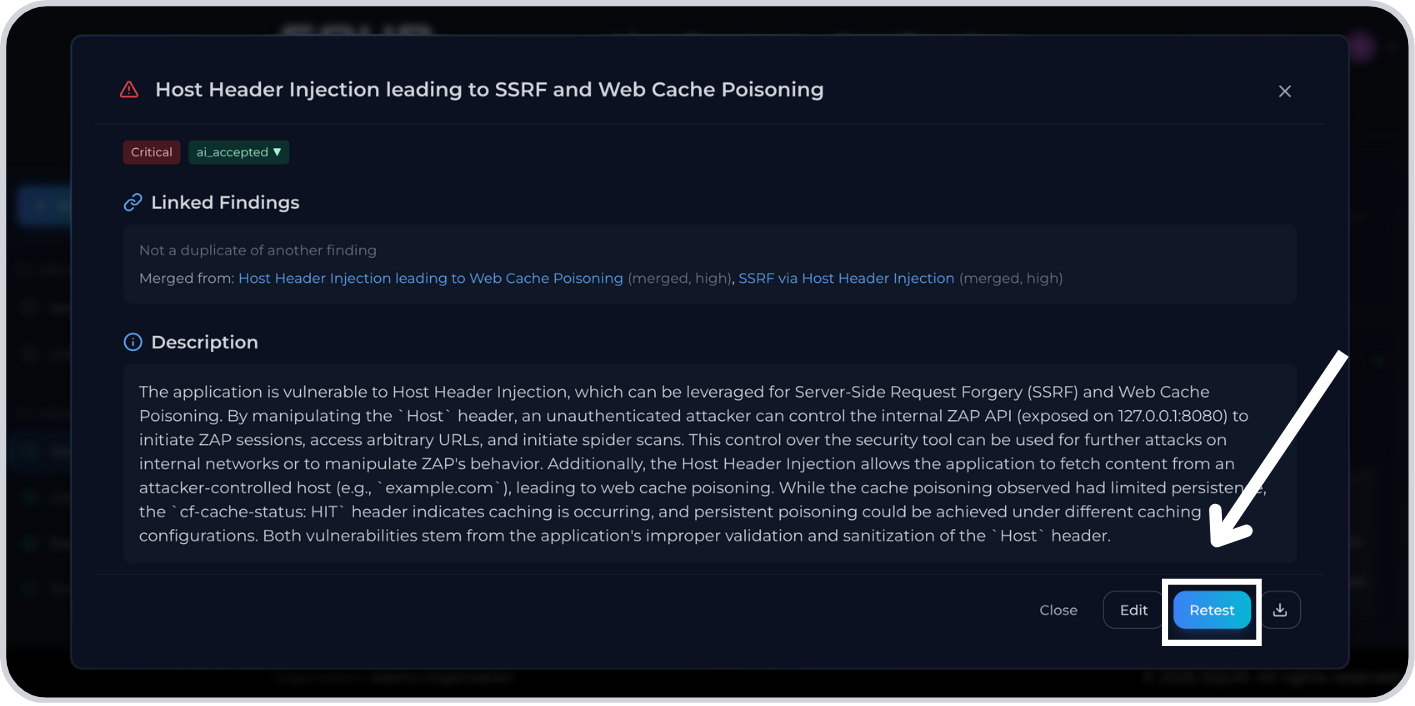
Manage findings
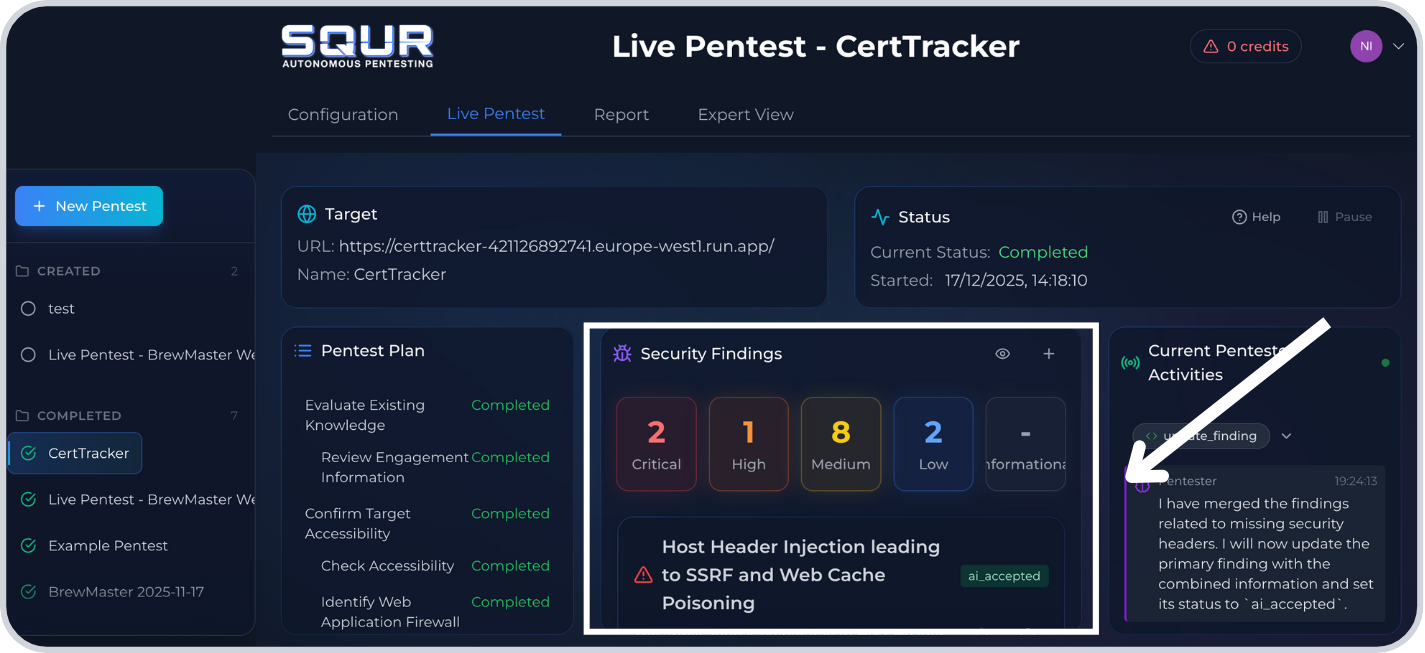
1. Open Remediation
Step 1: Go to Remediation in the engagement.
Step 2: Select a finding to view details.
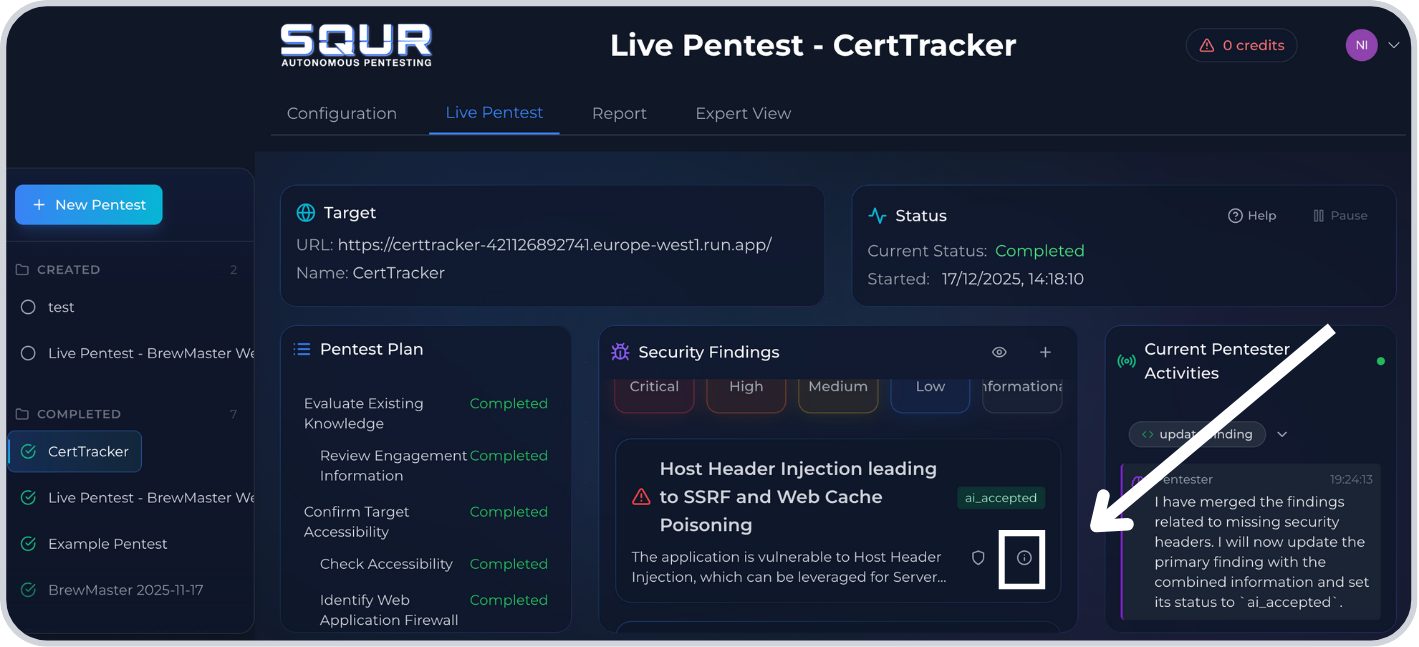
2. Change status
Step 1: In the details panel, click the Status dropdown.
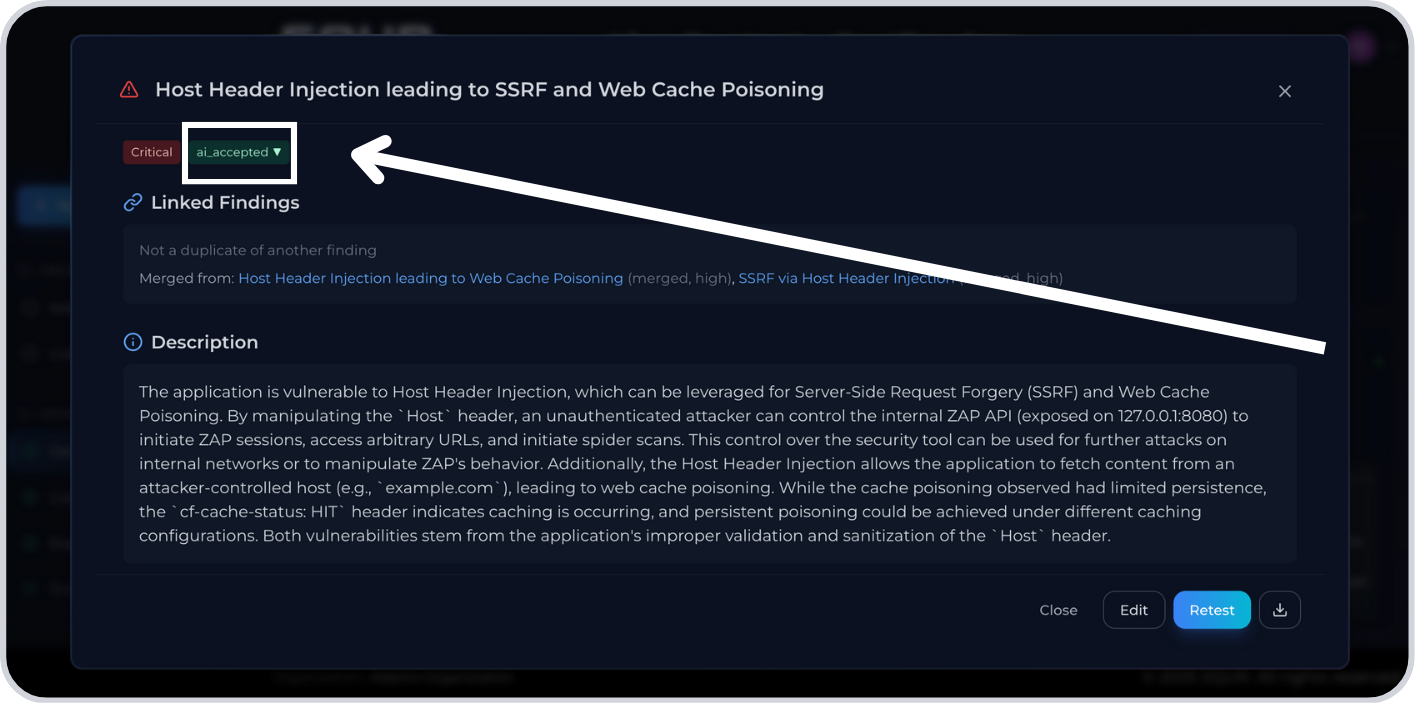
Step 2: Select New, Accepted, Fixed, or Rejected and provide a reason.
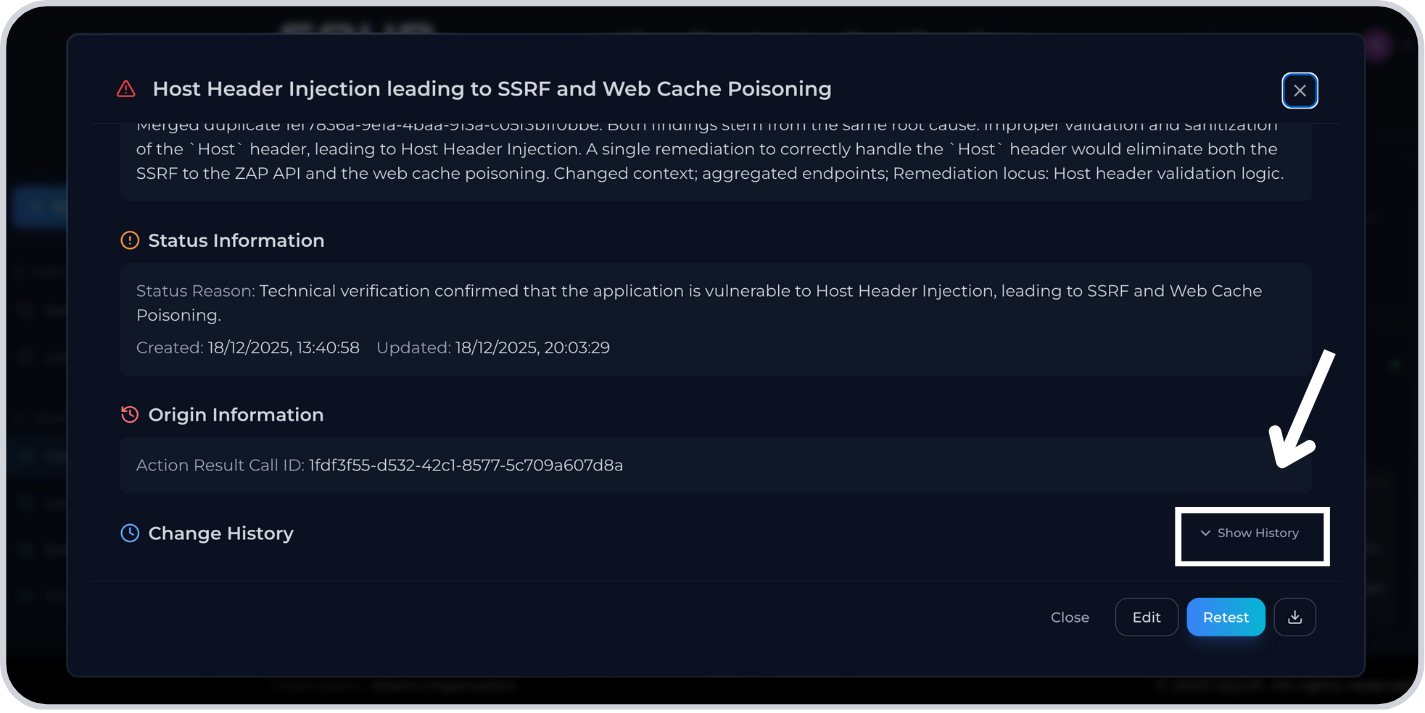
3. Review history
Step 1: Scroll to History in the details panel.
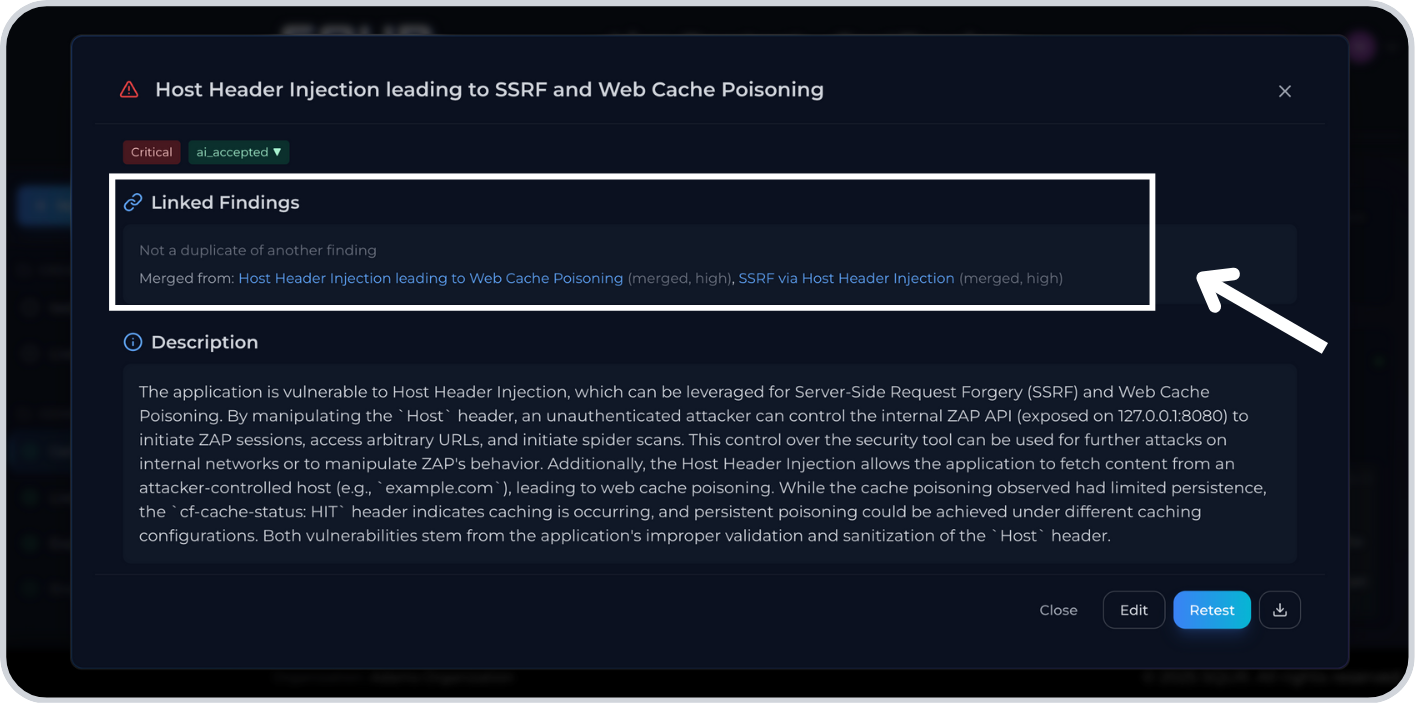
4. Handle duplicates
Step 1: In the details panel, open Linked findings.
5. Retest after fixing
Step 1: Click Retest to verify the fix.